comparison
AI copilot vs full automation: human-in-the-loop workflows
COOs and operations managers often hesitate to let AI handle customer or supplier communication. This article explains why starting with draft-and-approve workflows helps build trust and quality before considering full automation.
In short
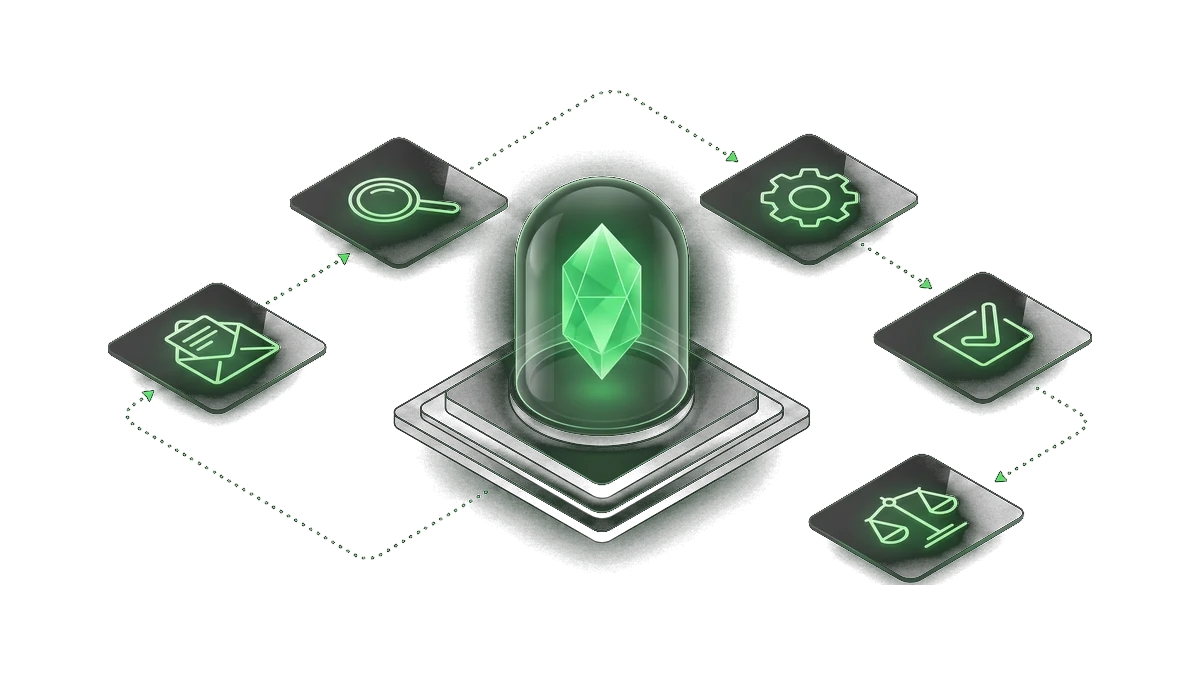
Human-in-the-loop AI automation means AI drafts outputs that require employee approval before action. This workflow protects against errors and hallucinated promises, while building confidence in AI quality. Start with review loops for high-stakes tasks, then automate only after consistent accuracy is proven. Efficient review interfaces and targeted sampling ensure employee time is well used.
What is human-in-the-loop AI automation?
Human-in-the-loop AI automation is a workflow where AI systems prepare drafts or recommendations, but a human makes the final decision or approval. This approach is common in scenarios where errors could damage relationships or cause compliance issues.
Unlike fully autonomous bots, human-in-the-loop AI keeps people in control of important communications and commitments. It is especially relevant for SMEs adopting AI for the first time, as it lowers risk and increases transparency.
How to recognize when you need human-in-the-loop
Three signals that a draft-and-approve loop is the right starting point.
Unstructured or high-value communication
If messages to customers or suppliers involve negotiation, commitments, or sensitive topics, start with human review. Fully autonomous AI risks making promises or misinterpreting nuance.
Low tolerance for error
If a mistake in the workflow could create financial, legal, or reputational harm, a human-in-the-loop is essential until AI reliability is proven with your data.
No historical data for training
If your processes lack a record of previous decisions or messages, AI cannot be safely automated from day one. Human review is needed to correct and train the model.
How to implement human-in-the-loop AI
Five practical steps to build, operate, and optimize draft-and-approve workflows.
- 1
Map critical processes and risk points
Identify which workflows involve high-stakes communication or decisions. Mark steps where an AI error would cause unacceptable risk, so these can be flagged for human review.
- 2
Deploy AI as a draft assistant
Configure AI to generate draft emails, proposals, or updates, but require employee approval before sending. Integrate with your CRM or Odoo for seamless workflow.
- 3
Design efficient review interfaces
Build screens that make it easy to accept, edit, or reject AI drafts. Use clear highlights for changes and suggested actions to minimize employee time spent.
- 4
Monitor outputs and sample for quality
Track approval rates and user edits. Periodically sample approved outputs to ensure standards are maintained and to identify where AI needs improvement.
- 5
Plan for gradual automation
Once AI consistently meets quality benchmarks, automate low-risk steps first. Maintain sampling and escalation paths for exceptions or uncertainty.
Common mistakes with human-in-the-loop AI
Avoid these four pitfalls when designing approval workflows.
Blind approval due to review fatigue
If the review process is too repetitive or time-consuming, employees may approve AI outputs without inspection. This undermines risk control and allows errors through.
Lack of clear escalation for uncertainty
When employees are unsure about an AI draft, there must be a clear way to escalate or request help. Otherwise, ambiguous cases may be mishandled.
No measurement of AI vs human edits
Failing to track how often employees edit or reject AI drafts hides quality issues. Always monitor edit rates and reasons for changes.
Premature move to full automation
Switching to autonomous AI before it has proven accuracy on real data can result in costly mistakes. Only remove human review after sustained high quality.
Human-in-the-loop vs full automation: a practical comparison
Where draft-and-approve wins, and where full automation makes sense.
| Workflow aspect | Human-in-the-loop AI | Full automation |
|---|---|---|
| Risk management | High: human oversight prevents critical errors. | Low: AI acts immediately, errors go live. |
| Speed | Slower: requires human review before action. | Fastest: no delay for approvals. |
| Employee workload | Moderate: review effort required, but can be optimized. | Minimal: only exception handling. |
| Quality control | Direct: employees can correct or improve AI outputs. | Indirect: relies on post-hoc audits or rework. |
| Adoption comfort | High: easier to build trust and acceptance. | Low: requires strong confidence in AI. |
Risk management
- Human-in-the-loop AI
- High: human oversight prevents critical errors.
- Full automation
- Low: AI acts immediately, errors go live.
Speed
- Human-in-the-loop AI
- Slower: requires human review before action.
- Full automation
- Fastest: no delay for approvals.
Employee workload
- Human-in-the-loop AI
- Moderate: review effort required, but can be optimized.
- Full automation
- Minimal: only exception handling.
Quality control
- Human-in-the-loop AI
- Direct: employees can correct or improve AI outputs.
- Full automation
- Indirect: relies on post-hoc audits or rework.
Adoption comfort
- Human-in-the-loop AI
- High: easier to build trust and acceptance.
- Full automation
- Low: requires strong confidence in AI.
Does human approval defeat the ROI of automation?
Human-in-the-loop workflows do reduce the speed and cost savings of full automation, but they are essential for risk management in high-stakes tasks. The review burden can be minimized through good interface design, targeted sampling, and by automating only the safest steps first.
Over time, as AI accuracy improves, the proportion of outputs requiring review drops. This staged approach delivers ROI by preventing costly errors and building organizational trust in automation.
Human-in-the-loop AI: key questions
What COOs and operations leads need to know before deploying hybrid workflows.
When is it safe to move from human-in-the-loop to full automation?
After the AI consistently produces accurate outputs with minimal human edits over a representative sample of real cases.
What does human-in-the-loop mean in business automation?
It means AI drafts or suggests actions, but a human approves, edits, or rejects before execution. This balances efficiency with risk control.
How do we stop staff from blindly approving bad AI outputs?
Rotate reviewers, limit batch sizes, and periodically audit approvals. Make it easy to flag uncertainty or escalate edge cases.
Does requiring human approval remove the value of AI automation?
It reduces speed, but prevents costly mistakes. With good interface design and sampling, most of the ROI is preserved.
How can employees review AI outputs quickly and reliably?
Use interfaces that highlight changes, suggest actions, and track common edits to reduce review time and cognitive load.
Start safely with human-in-the-loop automation
Let our team design draft-and-approve workflows that reduce risk and build trust in AI.