Guide
When does your business need an ERP?
Most teams reach for an ERP too late, after spreadsheets and disconnected tools have already started costing them. Here is what an ERP actually is, the signs you have outgrown your current setup, and how an Odoo rollout works without grinding the business to a halt.
In short
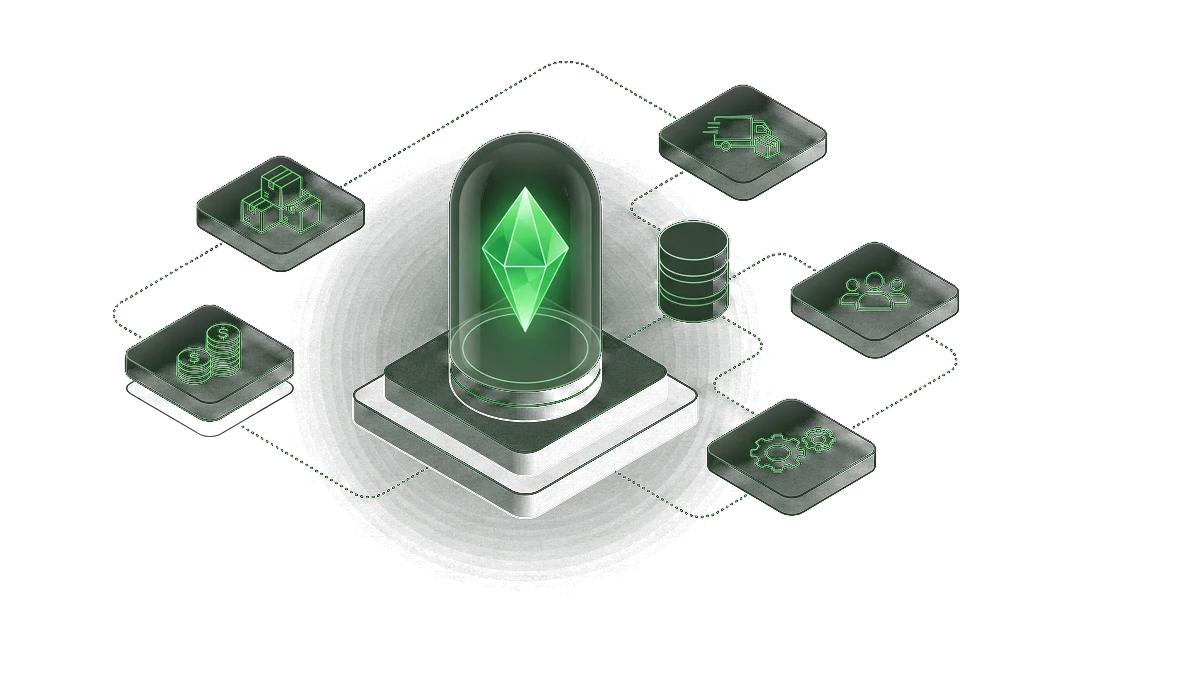
An ERP is one connected system for the core of your business: inventory, purchasing, sales, invoicing and reporting, all reading from the same data. You need one when your tools have multiplied, your spreadsheets have become load-bearing, and no one can answer a simple question without exporting from three places. Odoo is the platform we reach for: modular, so you start with what hurts and grow into the rest. The hard part is never the software. It is agreeing how the business actually runs and shaping the system around it.
Plain language
What an ERP actually is
ERP stands for Enterprise Resource Planning, but the name hides a simple idea. An ERP is a single system that runs the operational core of a business: products and stock, purchasing and suppliers, sales and customers, invoicing, and the reporting on top. Instead of a CRM here, an inventory sheet there, and an accountant's file somewhere else, everything reads and writes to one shared set of records.
The point is not the software, it is the single source of truth. When a sale is recorded, stock drops, the invoice is ready, and the dashboard updates, all without anyone re-entering the same number in a second place. That one property, enter it once and it flows everywhere, is what separates an ERP from a folder full of connected apps.
Why it matters
Signs you have outgrown your current setup
Three patterns that almost always mean it is time.
Spreadsheets have become load-bearing
The business now depends on a few critical spreadsheets that one or two people maintain by hand. When they are out, or when a formula breaks, work stops. A spreadsheet is a fine tool until it quietly becomes the system of record for your stock or your cash.
The same data lives in five places
Stock in one tool, customers in another, invoices in a third, and a master sheet trying to reconcile them. Every number gets entered more than once, which means every number is eventually wrong somewhere, and no one is sure which copy to trust.
Simple questions take hours to answer
How much of this product do we have, what did this customer order last quarter, what is our real margin this month. If answering means exporting from three tools and stitching them in a spreadsheet, the business has outgrown disconnected apps.
Inside a rollout
What an Odoo rollout actually looks like
Five stages that turn scattered tools into one system. The order matters more than the speed.
- 1
Map how you actually run
Before any setup, we map the real workflow: how an order moves from quote to delivery, how stock is received and consumed, where invoices get stuck. The system has to fit the business, so the business comes first.
- 2
Choose the modules that matter
Odoo is modular, so we start with the part that hurts most, sales, inventory or purchasing, and leave the rest for later. You get value early instead of waiting a year for a big-bang launch that tries to do everything at once.
- 3
Shape it around your process
We configure products, workflows, document templates and user roles to match how your team works, not a generic default. The goal is a system people recognize on day one, not one they have to fight.
- 4
Bring your data in cleanly
We migrate products, customers, suppliers and opening balances, deduplicated and structured on the way in. Messy data carried over unchanged just moves the problem; clean data is part of the deliverable.
- 5
Go live, then tune
We launch on a controlled scope, support the team through the first cycles, and adjust against real usage. An ERP is a living system, not a project that ends at go-live.
Set expectations
What an ERP will not fix on its own
Powerful as it is, a system only encodes decisions people still have to make. Four of them.
A process nobody agrees on
If two departments disagree on how an order should flow, the ERP will not settle it, it will just freeze the disagreement into software. The process has to be agreed by people first; the system then enforces it consistently.
Bad data discipline
An ERP keeps data consistent only if the team keeps feeding it correctly. Garbage in is still garbage, just better organized. The habits around who enters what, and when, stay a human responsibility.
Judgment calls
How much stock to hold, which supplier to trust, when to extend a customer's credit. The system surfaces the numbers; the decision belongs to the people who understand the context behind them.
Change management
The hardest part of any ERP is people adopting it. Training, clear ownership, and a team that sees the system making their day easier matter more than any feature. That is human work, and it decides whether the rollout sticks.
Before and after
Disconnected tools vs one connected system
The same operation, run two ways. The difference shows up in time lost, errors, and how much you can trust the numbers.
| Dimension | Disconnected tools | One connected ERP |
|---|---|---|
| Data entry | Same record keyed into several tools by hand | Entered once, flows to every connected area |
| Stock and sales | Reconciled manually, often out of sync | Stock updates the moment a sale is recorded |
| Invoicing | Built from exports, delayed and error-prone | Generated from the order, ready in one step |
| Reporting | Stitched in a spreadsheet, out of date by the time it is read | Live dashboards on one shared set of records |
| Scaling | Each new product or person adds manual overhead | The system absorbs growth without more spreadsheets |
Data entry
- Disconnected tools
- Same record keyed into several tools by hand
- One connected ERP
- Entered once, flows to every connected area
Stock and sales
- Disconnected tools
- Reconciled manually, often out of sync
- One connected ERP
- Stock updates the moment a sale is recorded
Invoicing
- Disconnected tools
- Built from exports, delayed and error-prone
- One connected ERP
- Generated from the order, ready in one step
Reporting
- Disconnected tools
- Stitched in a spreadsheet, out of date by the time it is read
- One connected ERP
- Live dashboards on one shared set of records
Scaling
- Disconnected tools
- Each new product or person adds manual overhead
- One connected ERP
- The system absorbs growth without more spreadsheets
Where AI fits
Where AI fits with an ERP
Once the operational core runs on one connected system, AI has clean data to work with, and that is where it earns its keep. The practical places we see: demand and reorder suggestions based on real sales history, anomaly flags when a number looks wrong before it becomes a problem, and natural-language questions over your own data so a manager can ask what the margin on a line was this month and get an answer without building a report.
The order matters here too. AI on top of scattered spreadsheets just produces confident guesses from inconsistent inputs. AI on top of a clean ERP foundation surfaces what needs attention and drafts the routine decisions for a human to confirm. Build the connected system first, then let AI compound it.
Frequently asked questions
What teams ask before they commit to an ERP.
Isn't an ERP overkill for a business our size?
Not the way we roll it out. Odoo is modular, so a small business can start with one area, sales or inventory, and run it like a focused tool. You add modules only when they earn their place. The overkill comes from launching everything at once, not from the platform itself.
Which ERP do you work with?
Odoo. It covers the operational core, sales, inventory, purchasing, invoicing and more, in one system, and its modular shape lets us start small and grow with you. When a need falls outside it, we extend with custom modules or connect a dedicated tool rather than forcing a fit.
How long does an ERP rollout take?
A focused first module can go live in a few weeks. A broader rollout across several areas takes longer, driven less by the software and more by how clean your data is and how settled your processes are. We launch in controlled stages so you get value early instead of waiting for one big switch.
Do we have to replace all our current tools?
No. We keep what works and connect it. If a tool you rely on does its job well, we integrate it with the ERP rather than rip it out. The aim is one connected operation, not a forced migration of everything you already use.
Our data is a mess. Is that a problem?
It is the normal starting point, and handling it is part of the work. We clean, deduplicate and structure your data as we migrate it in. Carrying mess over unchanged would just move the problem, so cleanup is built into the rollout, not an afterthought.
How do we get started?
A short review of how you run today: your tools, your workflows, and where time and accuracy leak. You leave with a one-page picture of which area an ERP would help first and what a rollout would change, even if you do not work with us.
Is your business running on spreadsheets it has outgrown?
Book a short review. We look at how you operate today, where disconnected tools cost you, and what one connected system would change.